
Serve the customer
Make the sale or finish the visit without creating another thing to update later.
The Tare7 product
Whether you make a sale, complete a visit, receive a delivery, or count a shelf, Tare7 updates the customer, stock, cost, and next step while the work is happening.
One app for mobile service, mobile retail, and inventory businesses. Start with the part of the day you run most.
Make the sale or finish the visit without creating another thing to update later.
The work you just did keeps stock, cost, and the customer record current.
See what is low, late, selling, or waiting—before it becomes tonight’s problem.

Built for the person holding it all together
You answer customers, sell, buy, restock, and solve problems as they happen. Tare7 keeps those moments in one connected record, so your business is easier to run when the day finally slows down.
Built from real operating screens
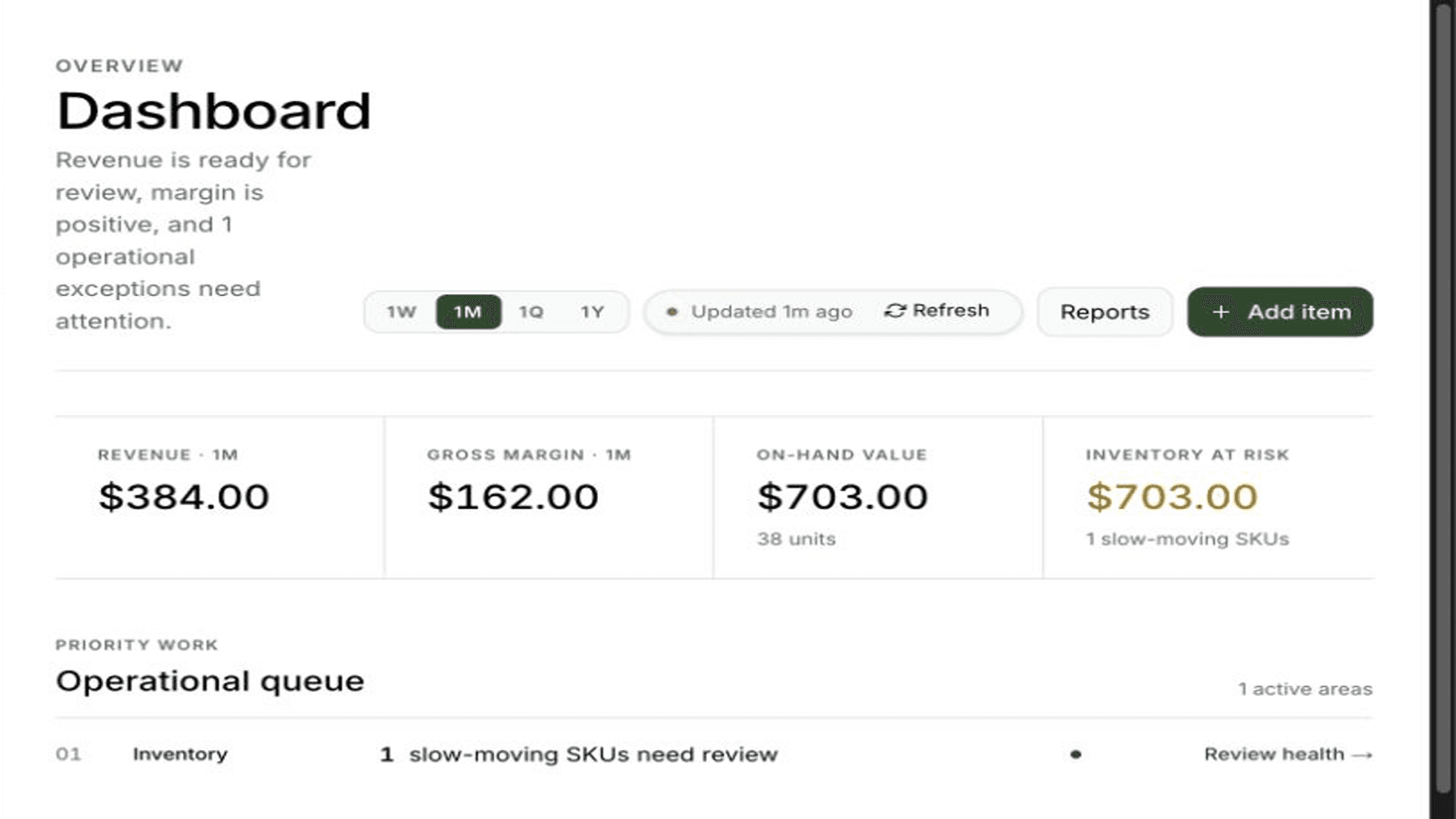
Your morning view
See what needs attention today—sales, stock, orders, and work in progress—without chasing updates through five different places.
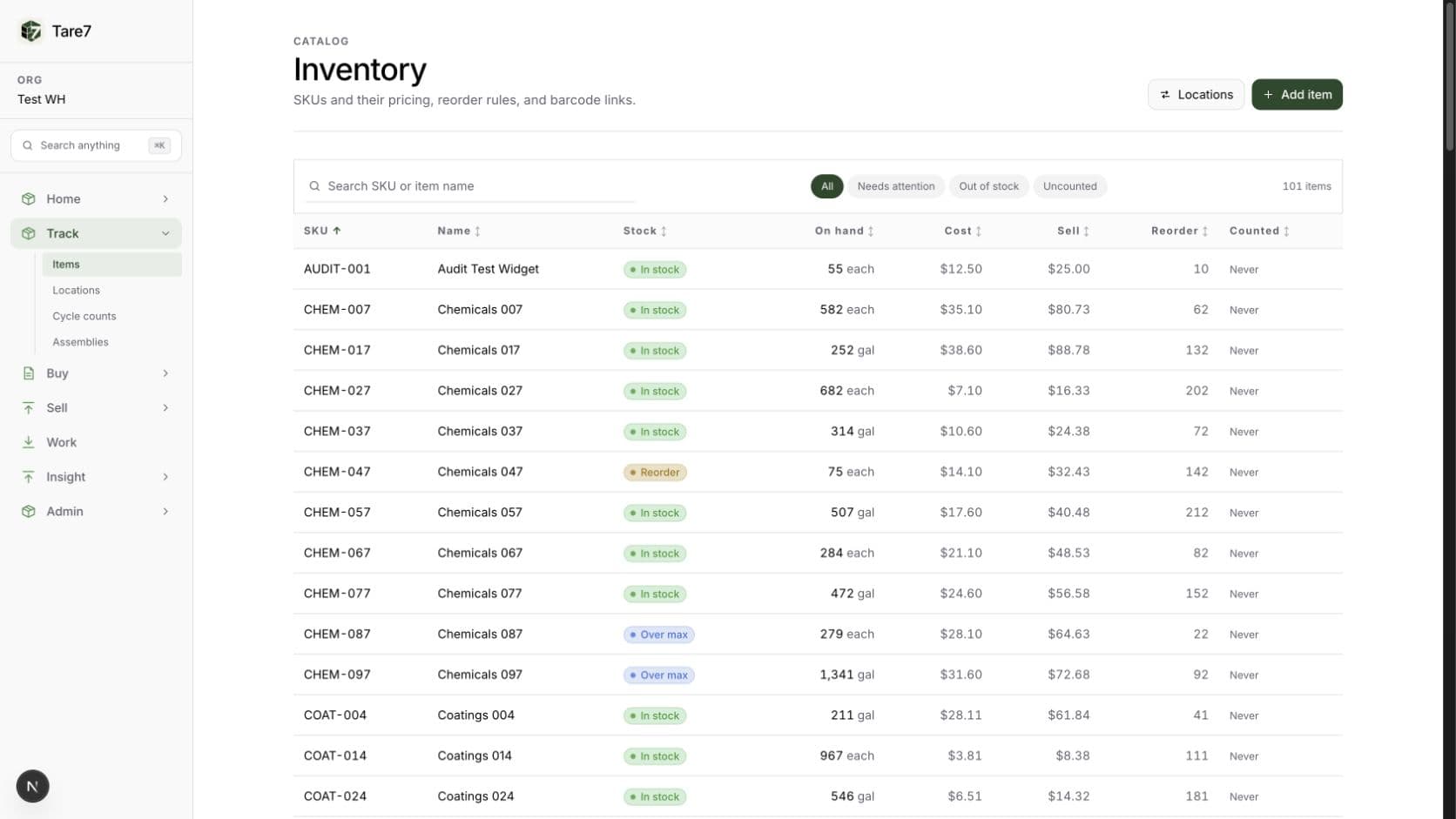
Your stock
Quantity, value, location, and movement history stay connected.
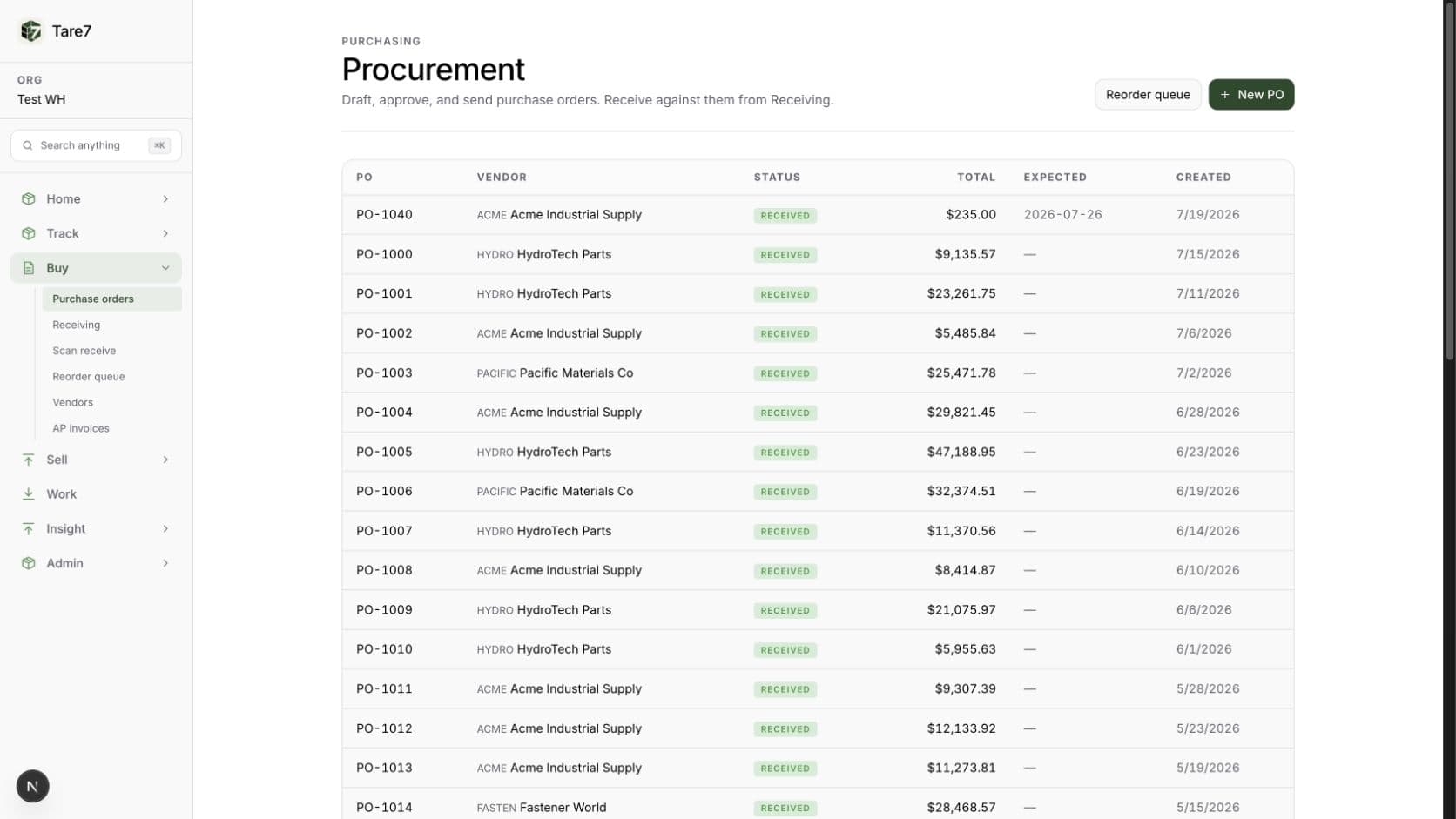
Your purchasing
Vendors, orders, arrivals, receipts, and spend in one workflow.
Built around your day
A technician, seller, stockroom manager, and owner should not have to wade through the same screen. Tare7 puts the next useful action first while keeping customers, stock, sales, and invoices connected.
The ledger
Every receipt, sale, transfer, and adjustment becomes a permanent movement. On-hand is calculated from what actually happened, not from a number somebody remembered to update.
See a worked example
Locations
See stock and value by stockroom, shelf, shop, or vehicle. Open an item and know where it is, how much is there, and when it last moved.
See a worked example
Cycle counts
Tare7 prepares the count sheet. Your team enters what is physically there, reviews the variance, and posts a reasoned correction with a durable trail.
See a worked example
Reorder logic
Reorder points, recent usage, lead time, and inbound quantity come together in one queue—then Tare7 groups selected items into draft purchase orders.
See a worked example
Costing
When stock arrives, Tare7 spreads freight and tax across the received lines and captures the landed cost used later in margin reporting.
See a worked example
Movement
Transfers stay paired. Adjustments require a reason. Months later, damage, shrinkage, and found stock remain explainable instead of disappearing into a changed total.
See a worked example
From “we need it” to “it is on the shelf”
The order, delivery, vendor invoice, and shelf quantity should not live in separate places. Tare7 keeps them together so you can see what happened without calling around or opening another spreadsheet.
Draft, revise and approve POs, with the approval recorded against the order. Receive against them with partial receipts tracked line by line.
Per-vendor SKUs, unit costs, lead times and minimum order quantities. The reorder queue uses them to pick a vendor and size the order.
Save a vendor invoice and Tare7 matches it against the PO and what was actually received, flagging quantity and price mismatches on the spot.
A standalone batch-receive screen: scan or type SKUs and barcodes with any wedge scanner, watch the quantities climb, add a lot code and expiry date, and post the whole batch into one location.
The rest of the work
Each one is useful on its own. They become much more useful when a sale updates stock, stock updates reorder needs, and the same cost reaches your margin and accounting export.

Counter sales
Quick Sale in the Tare7 mobile app turns a phone into a till and a tablet into a register — a tap-to-add product grid, a full-screen register mode and a live ticket with running subtotal, tax and total. Tax comes from your configured rates. The phone layout also handles a ticket discount, labor and service lines, and shipping.
See a worked example
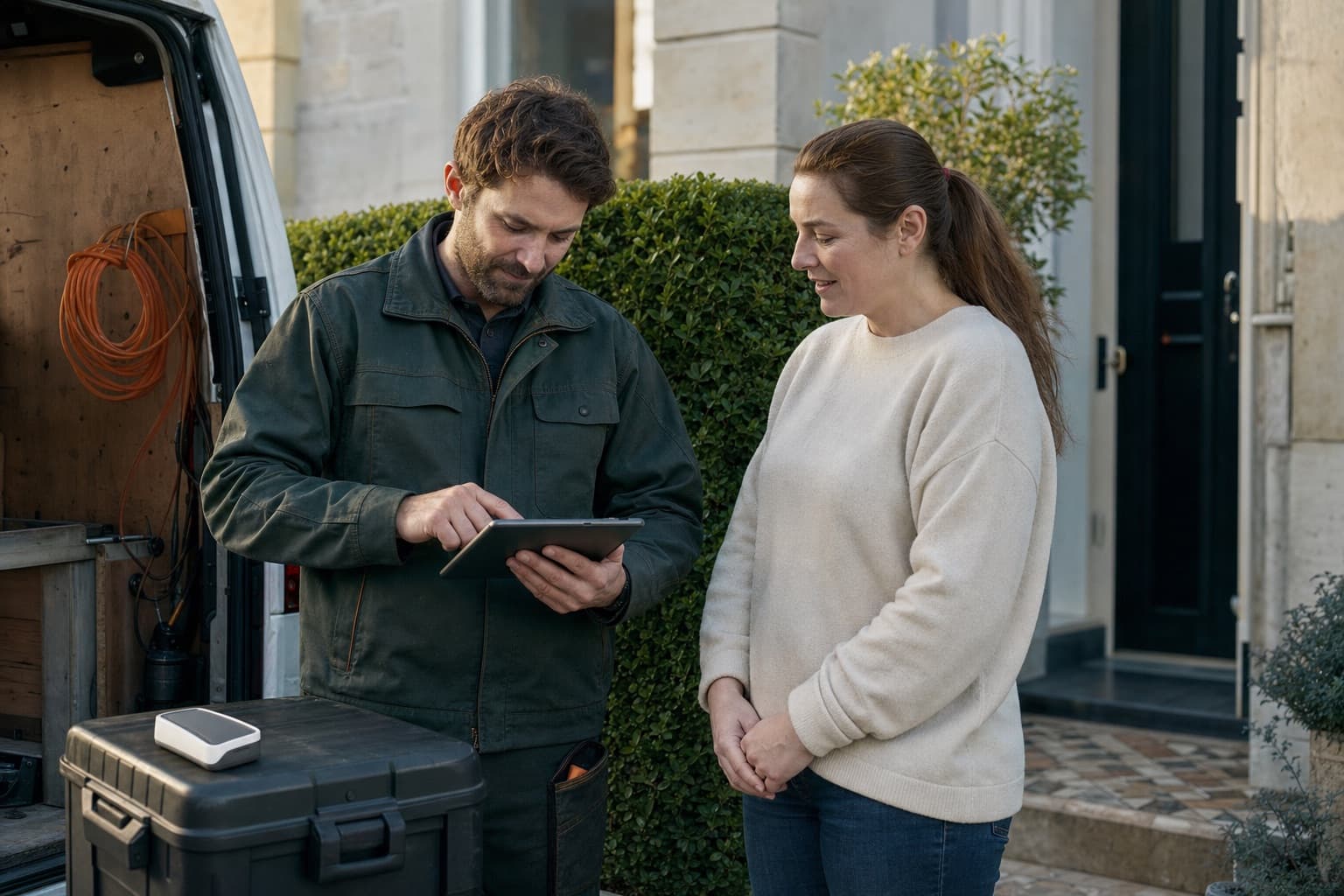
How you get paid
Tare7 does not touch the money. You take payment however you already do — card reader, payment app, cash, check — and record which it was. Tare7 books the revenue, releases the stock and marks the invoice paid. No PCI scope, no payout delays, no chargeback queue, and your existing reader keeps working.
See a worked example
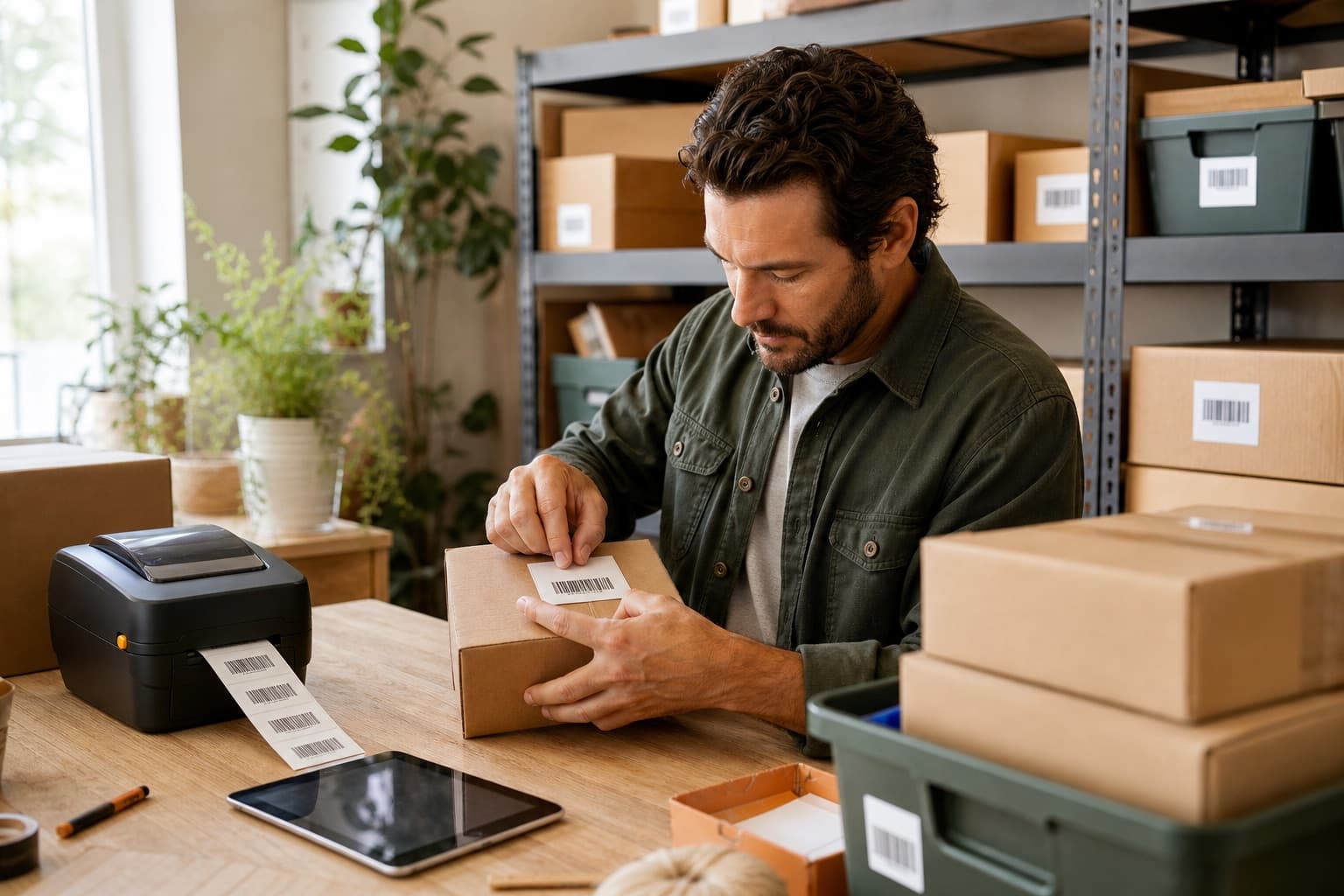
Labels
Generate genuine Code 128 labels from your SKUs, or print EAN-13 with a verified check digit when an item already carries one. Print to Avery 5160 sheets, a 12-per-sheet layout, or 2×1 thermal stock. If a value cannot be encoded, Tare7 says so instead of printing a barcode that will not scan.
See a worked example
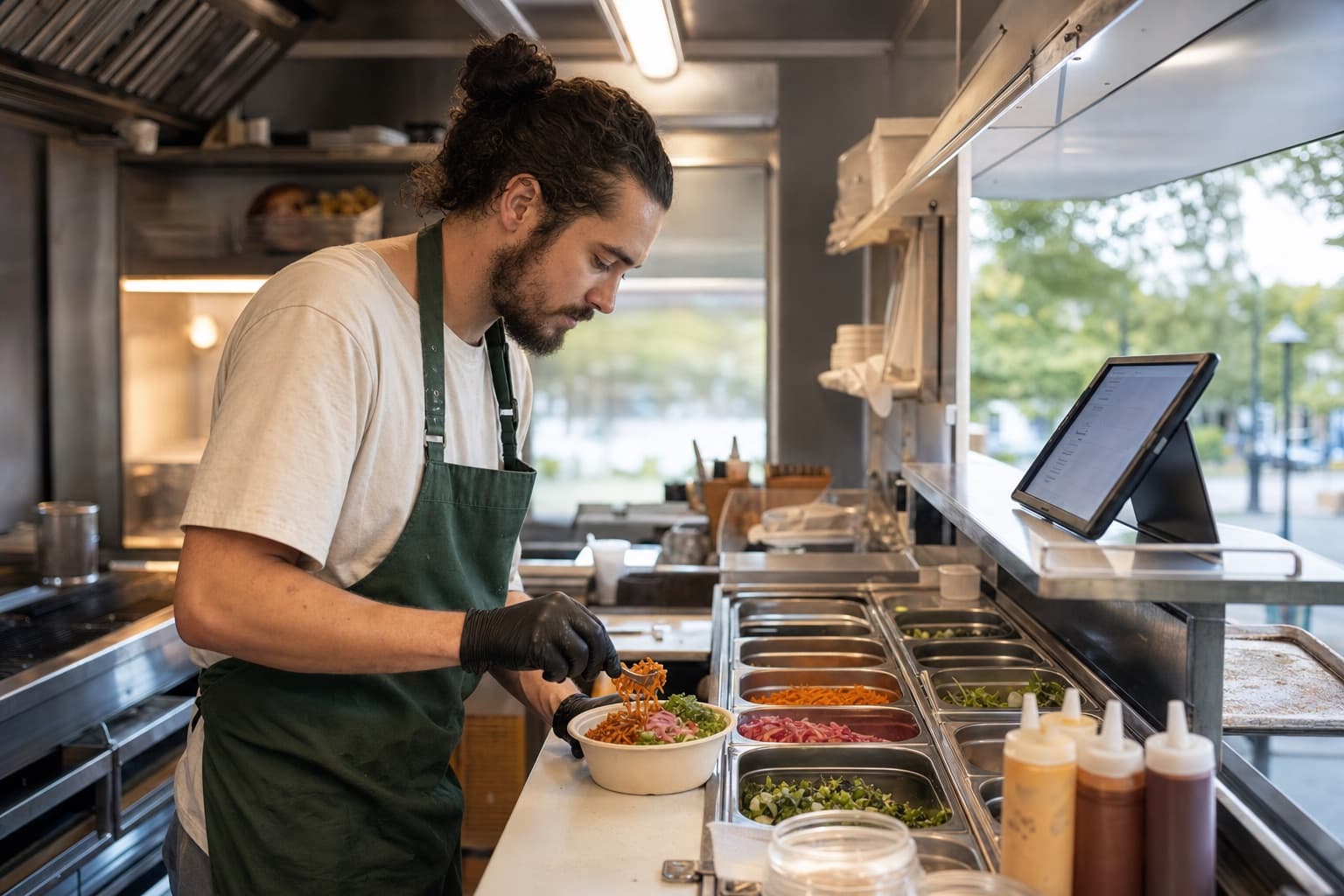
Recipes
Give an item a component recipe and switch it to backflush. Selling one on the counter releases the bun, the patty and the lettuce instead of a phantom burger — and each component trips its own reorder point on its own line. The same works for a trade: a water-heater install consumes the heater, the fittings and the solder.
See a worked example

Margin
Revenue, COGS, gross profit and margin — for the business and for every item you sold. Cost is stamped onto the ledger row at the moment the goods left, so later price changes cannot rewrite last month's margin. Sales with no captured cost are excluded and disclosed, not quietly estimated.
See a worked example

The books
Export sales as a balanced double-entry CSV that any package taking a journal will import. Cash, AR, inventory, sales tax, revenue, shipping, discounts and COGS, with account codes you can override. Anything that does not balance to the cent is excluded with a reason rather than plugged.
See a worked example
A refund reverses the sale and puts the stock back by replaying that sale’s own ledger rows — so refunding a recipe item returns the bun, the patty and the lettuce, not a burger that never existed.
How it fits you
Pick an experience when you set up your workspace in the Tare7 mobile app. It names and types your first location and opens the modules that type actually uses — and you can change any of it afterwards.
You work at the customer’s place and carry parts or supplies with you
Turn a customer request into an appointment, record what happened, and leave charges ready for office review.
Starts on Team
Market stall, pop-up, food truck or event seller
Sell from a phone or tablet, keep stock current with every ticket, and know what sold, what is left, and what to pack next time.
Starts on Mobile
You buy, store, count, move, or sell stock from a fixed location
Keep orders, deliveries, shelf quantities, counts, picks, and vendor invoices connected so the team can see what happened.
Starts on Team
Same system
A one-van plumber and a distributor need the same basic answer: what do we have, where is it, and what did it cost? Tare7 keeps that answer dependable while changing the experience around the person doing the work.
Meet Tare
Your operating partner inside Tare7
Ask Tare
AdvisoryWhich items are below reorder?
A second opinion on the reorder queue before you commit to purchase orders. Advisory only — it never places an order.
Extract line items from a packing slip when receiving against a PO, so you check figures instead of typing them.
Ask for what you mean — slow-moving items under a cost ceiling — and get matching stock back.
Get a clear, reviewable answer about low stock, receipts, and the next reorder decision—while you stay in control of every action. Tare never posts inventory, approves an order, or records a sale on your behalf.
Bring the day into one place