
Mobile Retail
Sell all day from a phone. Close the books from the van.
Sell quickly from a phone or tablet, keep stock current with every ticket, and finish the day knowing what sold, what is left, and what to pack next time. Tare7 keeps the register simple while the inventory work happens underneath.
Market stall, pop-up, food truck or event seller

How it should feel
Built for the counter, the crowd, and the close
Selling stays fast while every ticket quietly keeps stock and reporting current.
Open the register
Use a touch-first product grid and keep the active ticket easy to reach.
Sell where you stand
Record the tender you used while Tare7 releases the stock from that location.
Close with answers
See what sold, what remains, and what should travel to the next event.
The little things that turn into tonight’s catch-up
The missed part, unclear sale, and stock nobody recorded all get expensive when they are left for later.
You sell out of the good stuff and cart the rest home
If you do not know what moved, next week’s load is another guess. You sell out of the favorite item and bring home a box of what nobody wanted.
Stock is in three places at once
Some stock is in the van, some is at the stall, and the rest is stored at home. One total does not tell you what you can actually sell right now.
A cash box is not a book
Takings tell you what came in. They say nothing about what it cost you, which means margin is a feeling rather than a figure.
Made-to-order items hide their ingredients
Selling a burger draws down a bun, a patty and lettuce. If the system only knows about burgers, you run out of buns without warning.
How Tare7 helps
Keep the stock record current while the work gets done.
The ledger
Every sale updates stock
Ring up the ticket and Tare7 removes the items from the place you sold them. Nobody has to update inventory again after closing.
Locations
Know what is in the van and at the stall
Each place keeps its own quantity and value. Before you load out, open an item and see where the stock actually is.
Movement
Load the van without losing the trail
Move stock from storage to the van in one action. Spoilage, samples, and breakage get their own reasons so they do not all become an unexplained shortage.
Cycle counts
Count the van at the end of the day
Start a count and Tare7 fills the sheet with everything expected at that location. Enter what you found, review each difference, and post the corrections with their reasons.
Make it feel familiar
Start with the business that sounds most like yours.
Your answer changes the words, starting setup, and tools you see first. It does not lock you into a price or remove anything from your account—you can turn on anything your plan includes.
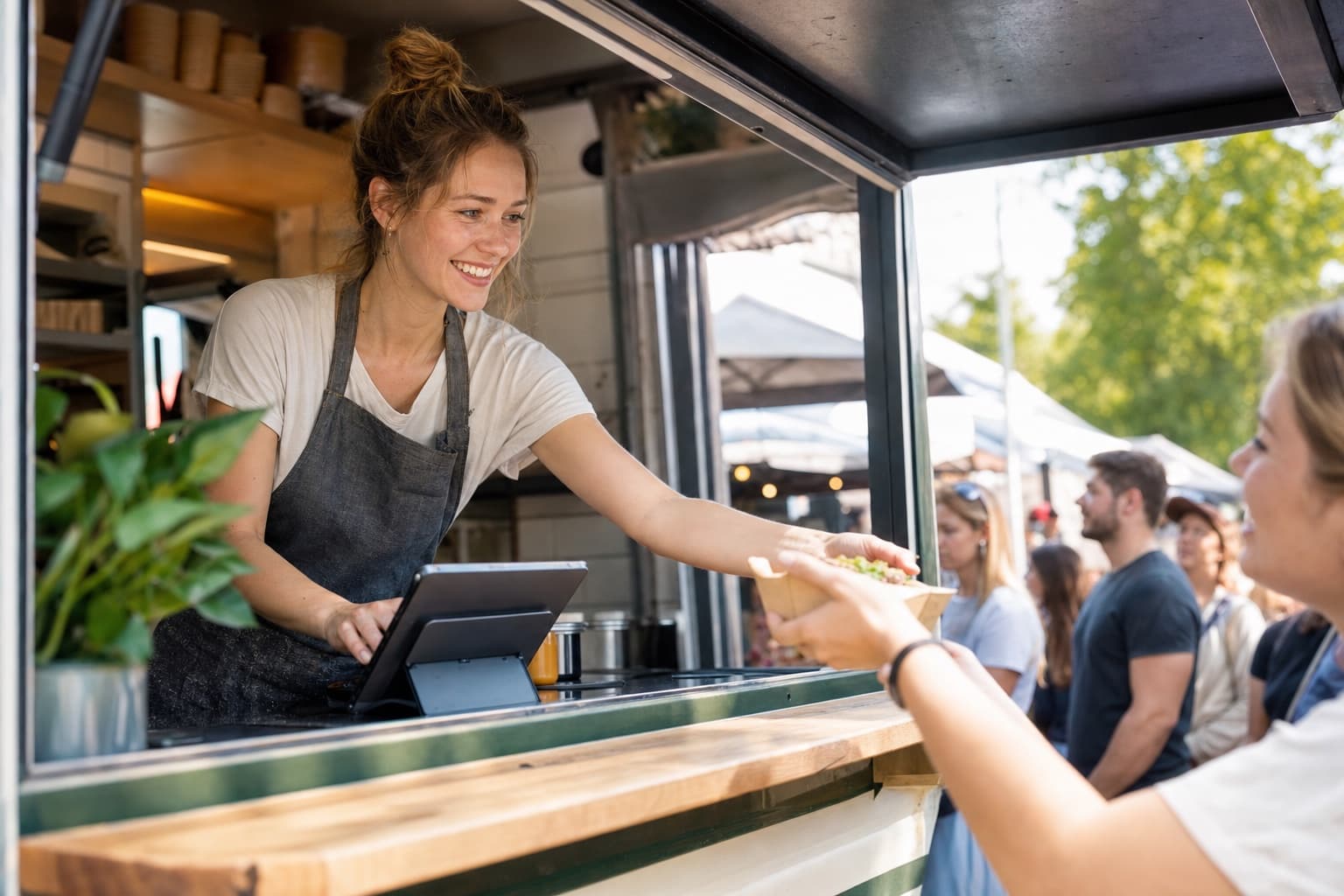
Food truck
Sell the menu item and let Tare7 update the bun, patty, cup, or other ingredients behind it.
From Mobile

Mobile boutique
See what is in storage and what is already on the van before you pack for the next event.
From Mobile
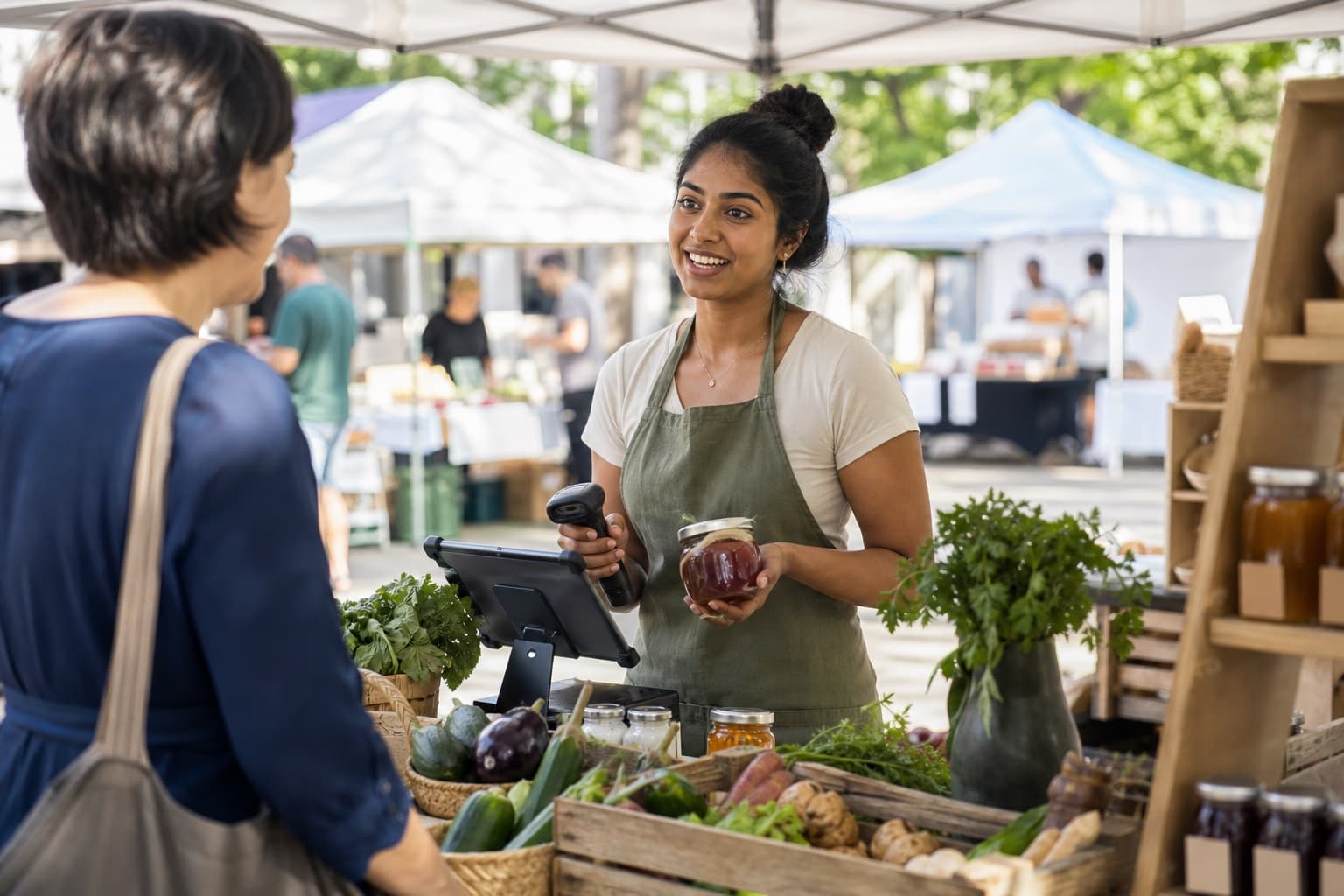
Market vendor
Tap products into the ticket, use the tax rate you selected, and count what is left at the stall when the day ends.
From Mobile

Pop-up seller
Sell wherever you are standing, and use what actually sold to decide what to bring to the next pop-up.
From Mobile
In the app
What it looks like in your hands.
Smash burger
Fries
Loaded fries
Cold brew
Soda
Cookie
Ticket
Smash burger
2 × $11.00
Fries
1 × $4.50
Cold brew
2 × $4.00
FT-BURG
Smash burger
Sold × 2 at the counter
- Release−2 ea
Brioche bun
ING-BUN
- Release−4 ea
Beef patty 4oz
ING-PTY
- Release−60 g
Shredded lettuce
ING-LET
- TRANSFERFT-CB−24 ea
Cold brew
LOCKUP → VAN · Ref TR-0142 · out leg
- TRANSFERFT-CB+24 ea
Cold brew
LOCKUP → VAN · Ref TR-0142 · in leg
- RELEASEFT-CB−2 ea
Cold brew
VAN · Counter sale · cost captured
- ADJUSTING-LET−200 g
Shredded lettuce
VAN · Reason: spoilage
The rest of the day
The other work becomes easier when the stock stays connected.
Counter sales
A register built for a line of customers
Tap the item, adjust the quantity, and see the subtotal, tax, and total as you go. The amount is ready to take without doing math while people wait.
How you get paid
Use your own reader, app, or cash box
Take payment the way you already do and tap how the customer paid. Tare7 records the sale and updates stock; your money stays with your payment provider.
Recipes
Sell the burger, draw down the bun
Tell Tare7 what goes into the item. Sell a burger once and the bun, patties, and lettuce update automatically—each with its own low-stock warning.
Margin
What the day actually made
See revenue, goods cost, gross profit, and margin for the day and for each item. A supplier price change next week cannot rewrite what last week’s sales earned.
What opens at setup
Mobile covers the register, customers, and two places where you keep stock. Choose Team when you need supplier orders, receiving, and automatic reorder help.
Where you start
Sell through the rush, then close the day knowing what sold, what is left, and what to bring next time.
Most mobile retail businesses start on Mobile at $29/month. Change plan whenever you like.
Get startedNo card to start. Set up in a few minutes on your phone.
Not quite you?