
Mobile Service
The business moves. Your software should too.
Run the day from your phone or tablet: create the customer and service location, schedule the visit, record the work, and leave charges ready for office review. Tare7 keeps the parts and supplies behind the work connected, too.
You work at the customer’s place and carry parts or supplies with you
How it should feel
Built for the driveway, the route, and the van
The useful information comes forward while the full operating record stays underneath it.
Create and schedule
Choose the customer and service location, assign the visit, and use an exact time, arrival window, all-day date, or schedule later.
Work the visit
Mark yourself on the way, start the visit, and finish it from your phone while Today, Schedule, and Jobs stay on the same record.
Complete with clarity
Record the work summary and charge once, leaving it ready for office invoicing review without sending anything automatically.
The little things that turn into tonight’s catch-up
The missed part, unclear sale, and stock nobody recorded all get expensive when they are left for later.
Nobody knows what is on the van
Parts and supplies leave the shop, land in a van, and disappear from view. You find out something is gone when the job stops and somebody has to drive back for it.
Materials used on a job vanish from the books
The part went in the wall and the chemical went in the pool, but nobody recorded it. Later, you are rebuilding the cost from memory and receipts.
You buy the same part three times
Restocking becomes whatever someone happened to notice. The things you use every day run out while the slow stuff keeps taking up space.
Labor and materials live on different pieces of paper
The customer wants one document. Your accounts want the materials cost separated from the hours.
How Tare7 helps
Keep the stock record current while the work gets done.
Jobs
Create the job and first visit together
Choose the customer and service location, describe the work, then schedule now or later. Tare7 creates the job and first visit as one operation so partial work cannot be left behind.
Schedule
Use exact times, arrival windows, or all-day work
Assign the person doing the visit, reschedule without losing the job context, and review a clear warning before deliberately accepting a double-booking.
Today
Mark the visit on the way, started, and complete
Visit status keeps the customer record current. Completion records the work summary and charge once, even when a connection problem causes the same request to be retried.
Locations
See what is in the shop and on every van
Each vehicle keeps its own quantity, value, and last movement date. Check van 2 before you buy another box of fittings or send someone across town.
Consumption
Record what the job used
Add the parts or supplies used on the job. Tare7 removes them from the van they came from and keeps the item, job, and cost connected.
Reorder logic
Know what to restock before the next route
Set a minimum for the items you cannot afford to run out of. Tare7 looks at recent use, supplier lead time, and what is already coming, then helps build the purchase orders.
Movement
Move stock without losing it
A shop-to-van transfer removes stock from one place and adds it to the other in the same action. Damage, waste, or something left on site gets its own reason instead of looking like a mystery shortage.
Make it feel familiar
Start with the business that sounds most like yours.
Your answer changes the words, starting setup, and tools you see first. It does not lock you into a price or remove anything from your account—you can turn on anything your plan includes.
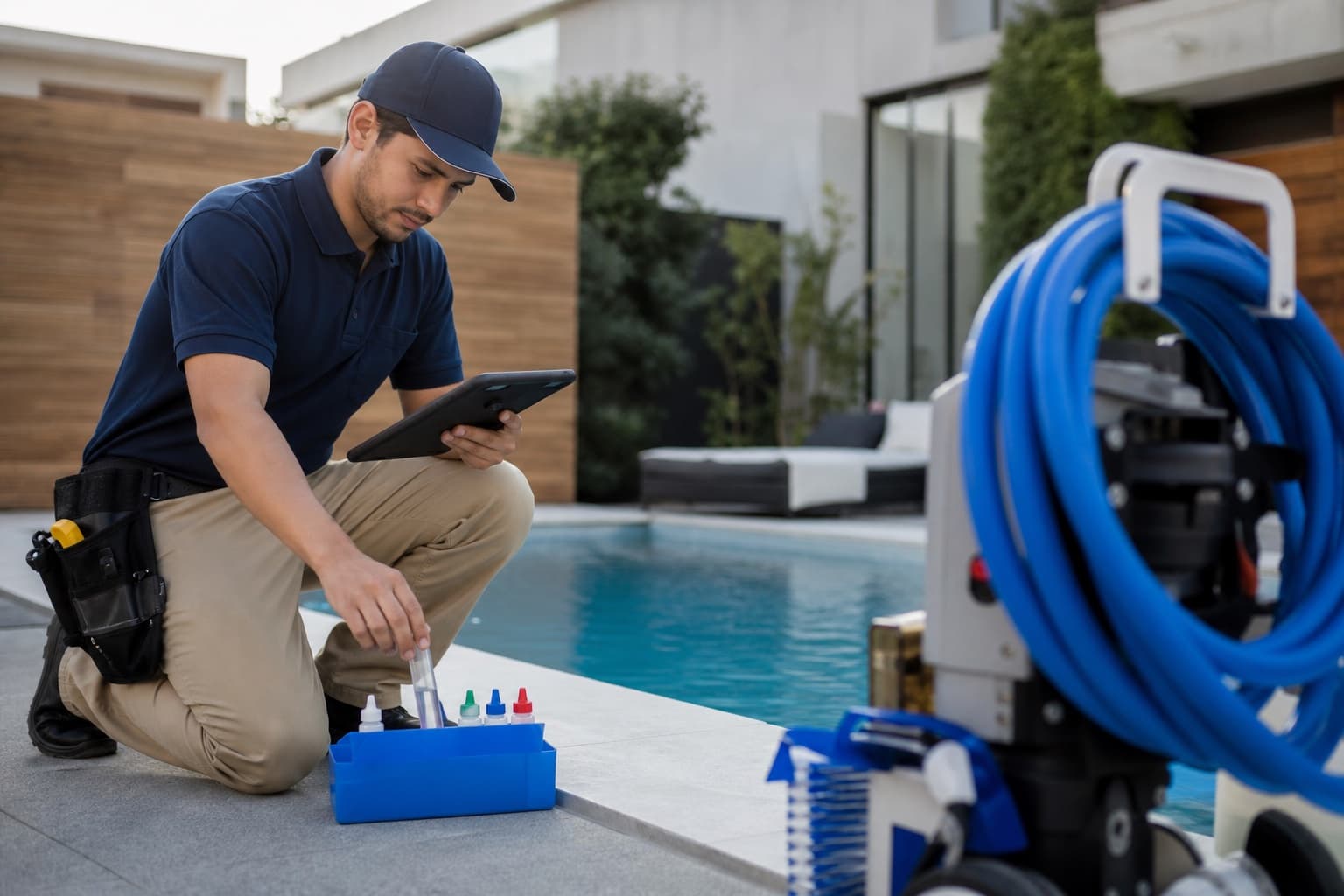
Pool service
Know which chemicals, cartridges, and pump parts are on each truck, what the route used, and what needs loading before tomorrow.
From Team
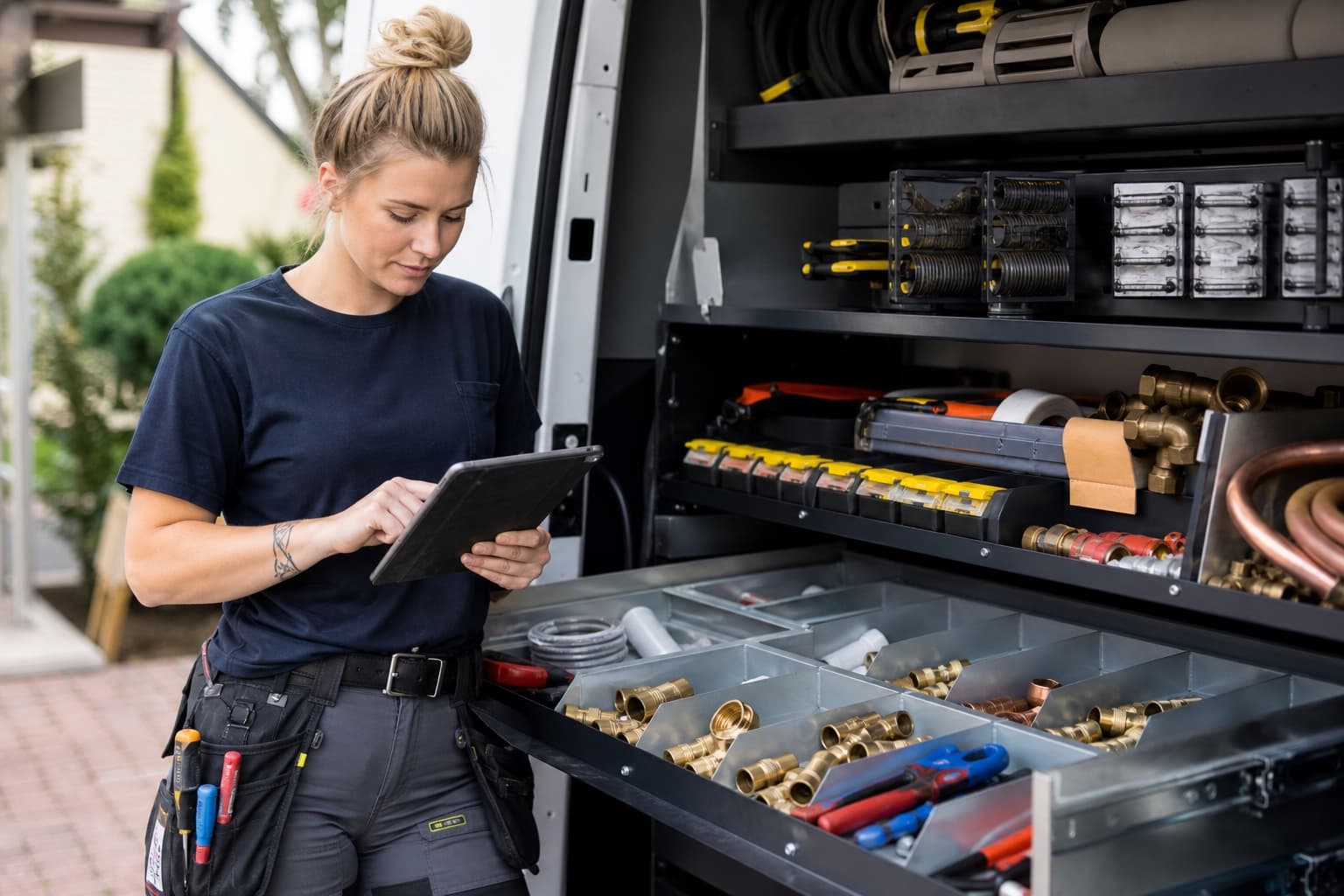
Plumbing
Track fittings, valves, solder, and supply lines by van, then record what each job used while the details are fresh.
From Team
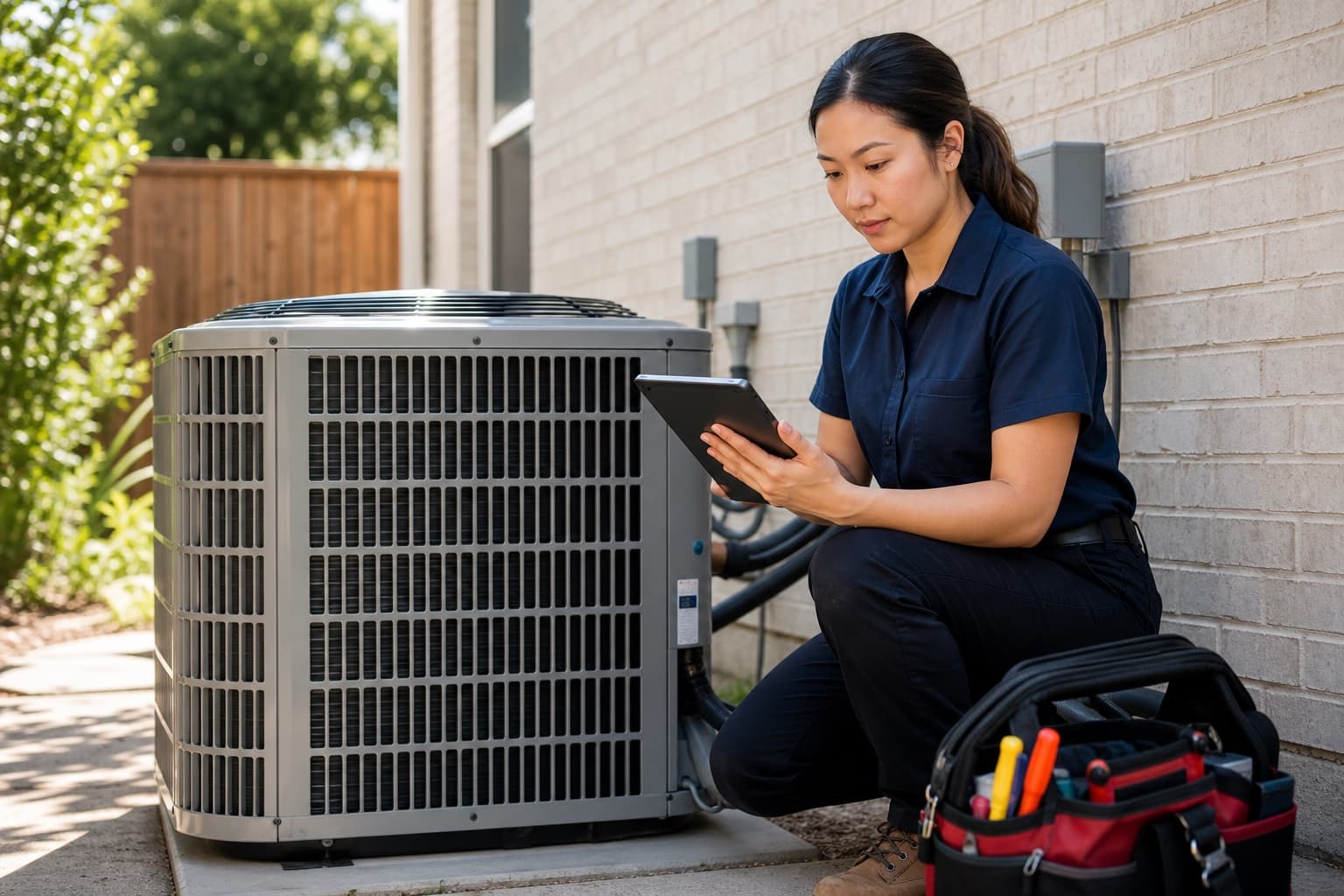
HVAC
Keep fast-moving capacitors, contactors, igniters, and filters on the truck so a simple call does not become a second trip.
From Team
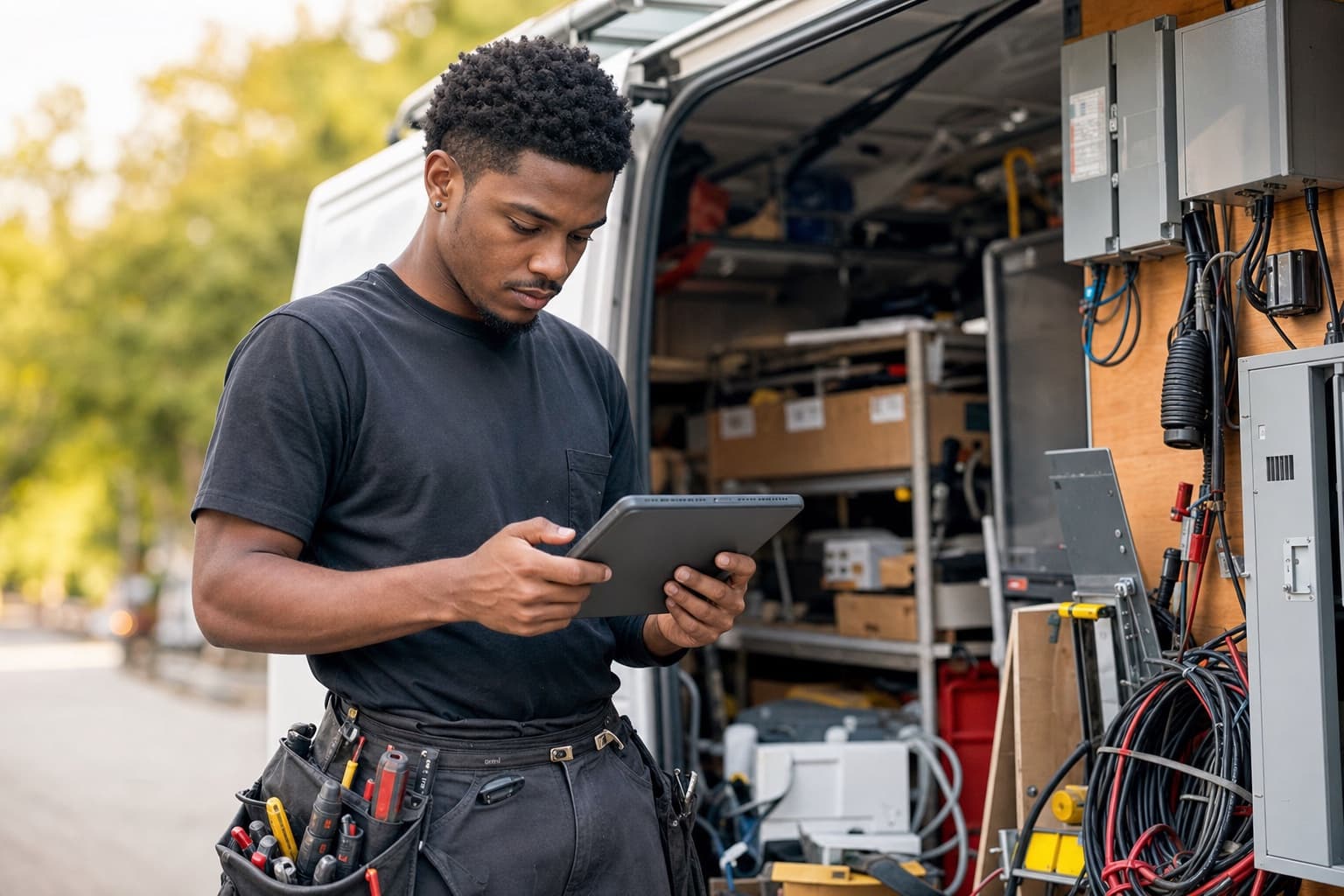
Electrical
See devices, wire, and boxes by van. Move stock from the shop in one action so both locations stay current.
From Team
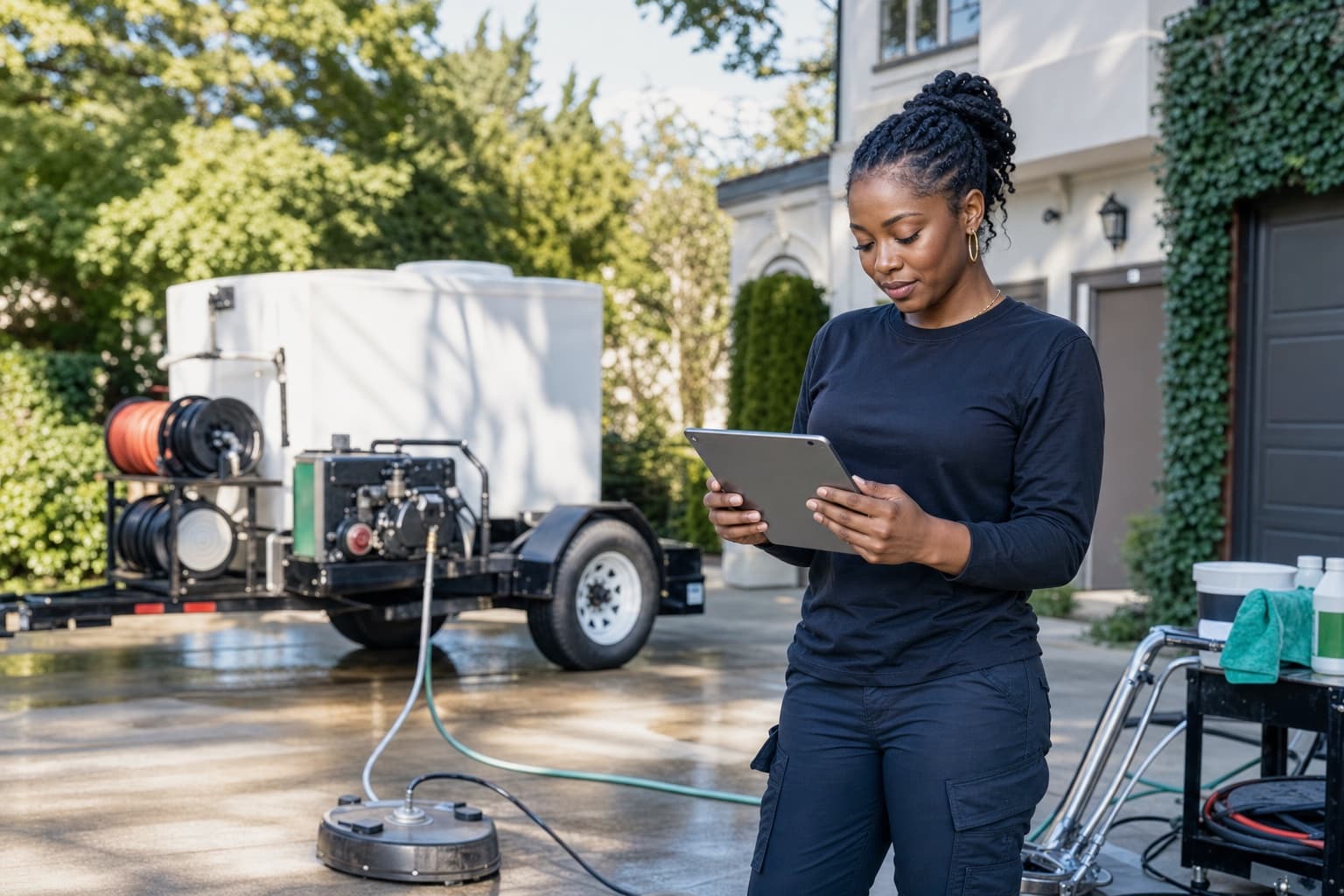
Pressure washing
Track detergents and consumables on the trailer, and record spills or waste separately from a count mistake.
From Team

Mobile detailing
Track compounds, pads, and towels by vehicle, then put labor and products on the same customer ticket.
From Mobile

Mobile grooming
Keep shampoo, blades, and supplies current on the van while billing the groom as a service, not a stock item.
From Mobile
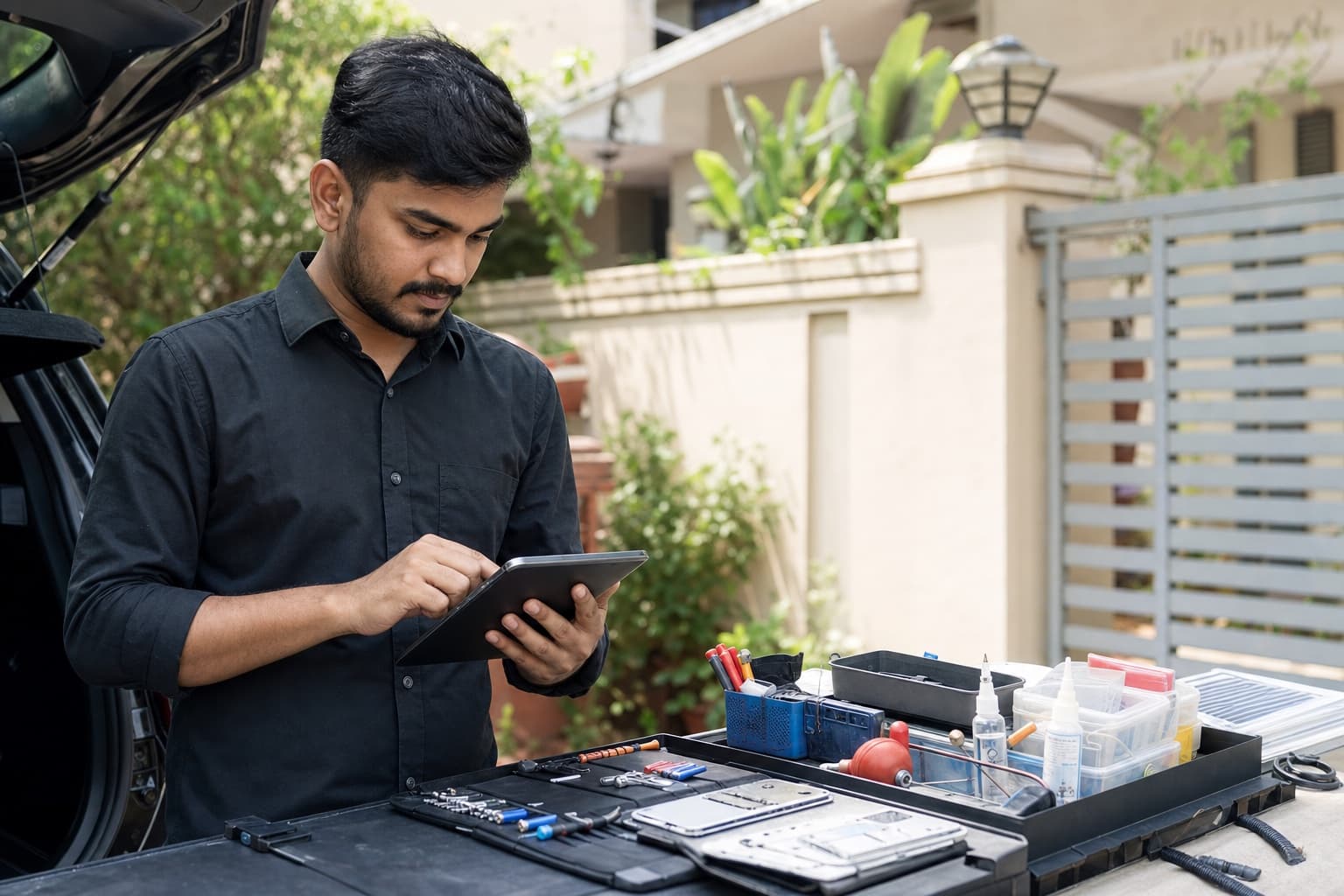
General mobile service
For any business that travels to the customer with parts or supplies. Start with the van, the stock, and what the work used.
From Mobile
In the app
What it looks like in your hands.
PL-CU15-EL
15mm copper elbow
- 180 ea
SHOP
Shop rack B
Last movement yesterday
- 24 ea
VAN-1
Van 1
Last movement today
- 6 ea
VAN-2
Van 2
Last movement 3 days ago
- 0 ea
SITE-N
Site store — north
Last movement 2 weeks ago
- RELEASEPT-EGG-5G−4 ea
Eggshell white — 5 gal
VAN-2 · WO-0412 · cost captured
- RELEASEPT-TAPE-24−9 ea
Painter's tape 24mm
VAN-2 · WO-0412 · cost captured
- RELEASEPT-ROLL-9−3 ea
Roller sleeve 9in
VAN-2 · WO-0412 · cost captured
- ADJUSTPT-EGG-5G−1 ea
Eggshell white — 5 gal
VAN-2 · Reason: tin dropped on site
Call-out, 1st hour
Labor, per hour
40 gal water heater
15mm copper elbow
Lead-free solder 250g
Flexi connector 15mm
Ticket
Call-out, 1st hourSERVICE
1 × $95.00
40 gal water heater
1 × $690.00
15mm copper elbow
6 × $2.40
PL-CU15-EL
15mm copper elbow
- On hand
- 30 ea
- Reorder at
- 60 ea
- Suggest
- 150 ea
- Est. cost
- $288.00
6.2/d velocity · high confidence · vendor MERCH-01
PL-SOL-LF
Lead-free solder 250g
- On hand
- 4 ea
- Reorder at
- 6 ea
- Suggest
- 12 ea
- Est. cost
- $132.00
Based on min/max rule · medium confidence · vendor MERCH-01
2 items selected · will draft POs grouped by vendor
Draft POsThe rest of the day
The other work becomes easier when the stock stays connected.
Costing
Freight and tax land on the part
Receive against a purchase order and Tare7 adds each item’s fair share of freight and tax. That real delivered cost is what your job margin uses later.
Counter sales
Labor and parts on the same ticket
The ticket takes stocked parts and service lines together. A service line is invoiced but never released from stock, so a call-out charge cannot quietly draw down inventory. The phone layout adds labor by description, rate and hours.
How you get paid
Keep using the way you already get paid
Take card, cash, or bank transfer the way you do today, then record the method. Tare7 keeps the sale and stock current but never handles the payment itself.
Scanning
Find a part by pointing at it
Scan a barcode with the phone camera or a wedge scanner to pull an item straight up, and print your own Code 128 labels for the boxes of fittings that never came with one.
What opens at setup
Mobile works for one or two people tracking van stock and recording what jobs use. Choose Team when more people need supplier orders, receiving, automatic reorder help, and customer invoices.
Where you start
See today’s visits, what was completed, and what is ready for the office to invoice.
Most mobile service businesses start on Team at $69/month. Change plan whenever you like.
Get startedNo card to start. Set up in a few minutes on your phone.
Not quite you?